
Research used to mean hours in front of a screen, chasing PDFs, cross-checking sources, and losing track of which quote came from which paper. That has changed. The best AI tools for research in 2026, including Perplexity, ChatGPT, Claude, NotebookLM, Semantic Scholar, Elicit, Consensus, and SciSpace, now help you find sources, read them faster, and write with citations attached.
This guide covers what these tools do, which ones are free, which ones are best for research paper writing, and how to pick the right one without wasting time on the wrong tool.
What Are AI Research Tools?
AI research tools are software platforms built on large language models that help you search for information, read and summarize documents, organize citations, and draft written work.
Unlike a plain chatbot, most of these tools are connected to real databases of papers, articles, or documents, so their answers are grounded in actual sources instead of guesses. Some of these tools are general assistants like ChatGPT or Claude that can be used for almost any research task.
Others are built specifically for academic work, such as pulling data from millions of peer reviewed papers or tracking how one study cites another. Knowing the difference matters, because using the wrong type of tool for the wrong job is where most people lose time instead of saving it.
How AI Tools for Research Save Time & Improve Accuracy
The promise behind every AI research tool is simple: less manual work, fewer mistakes. Whether that promise holds up depends on the stage of research and the tool you choose.
1. Time Saved at Each Research Stage
Research usually moves through five stages, and AI tools now touch every one of them.
- Discovery: Instead of scrolling through pages of search results, tools like Perplexity or Semantic Scholar return a shortlist of relevant sources in seconds.
- Reading: Long PDFs that once took an hour to skim can be uploaded to NotebookLM or SciSpace and summarized in a few minutes.
- Summarizing: AI tools condense a 30-page paper into key findings, methodology, and limitations, so you know what matters before reading the whole thing.
- Citing: Reference managers built into these tools format citations automatically instead of you copying details by hand.
- Drafting: Writing assistants generate a first draft from your notes, which you then edit rather than starting from a blank page.
Reports on workplace AI adoption back this up. 84% of researchers now use AI tools for some part of their work, up sharply from the year before. That jump reflects how much manual effort these tools now remove from the research process.
2. Where Accuracy Actually Improves, and Where It Does Not
Accuracy gains are real, but they are not automatic. Tools that pull answers directly from a paper and link back to the exact passage, such as Consensus or Scite, tend to be more reliable because you can verify the claim yourself.
General-purpose chatbots that answer from training data rather than live sources are more likely to produce a confident-sounding but incorrect citation. This gap shows up in independent testing. An audit found that even Perplexity, one of the more citation-focused tools, had a citation failure rate of 37%.
That is a meaningful error rate for anyone using AI output without double-checking it. The takeaway is straightforward: AI tools improve accuracy when they cite real, checkable sources, and they hurt accuracy when you trust their output blindly.
Recommended Professional Certificates
AI-Powered Digital Marketing Course
Performance Marketing Bootcamp
SEO Specialist Bootcamp
Types of AI Tools for Research
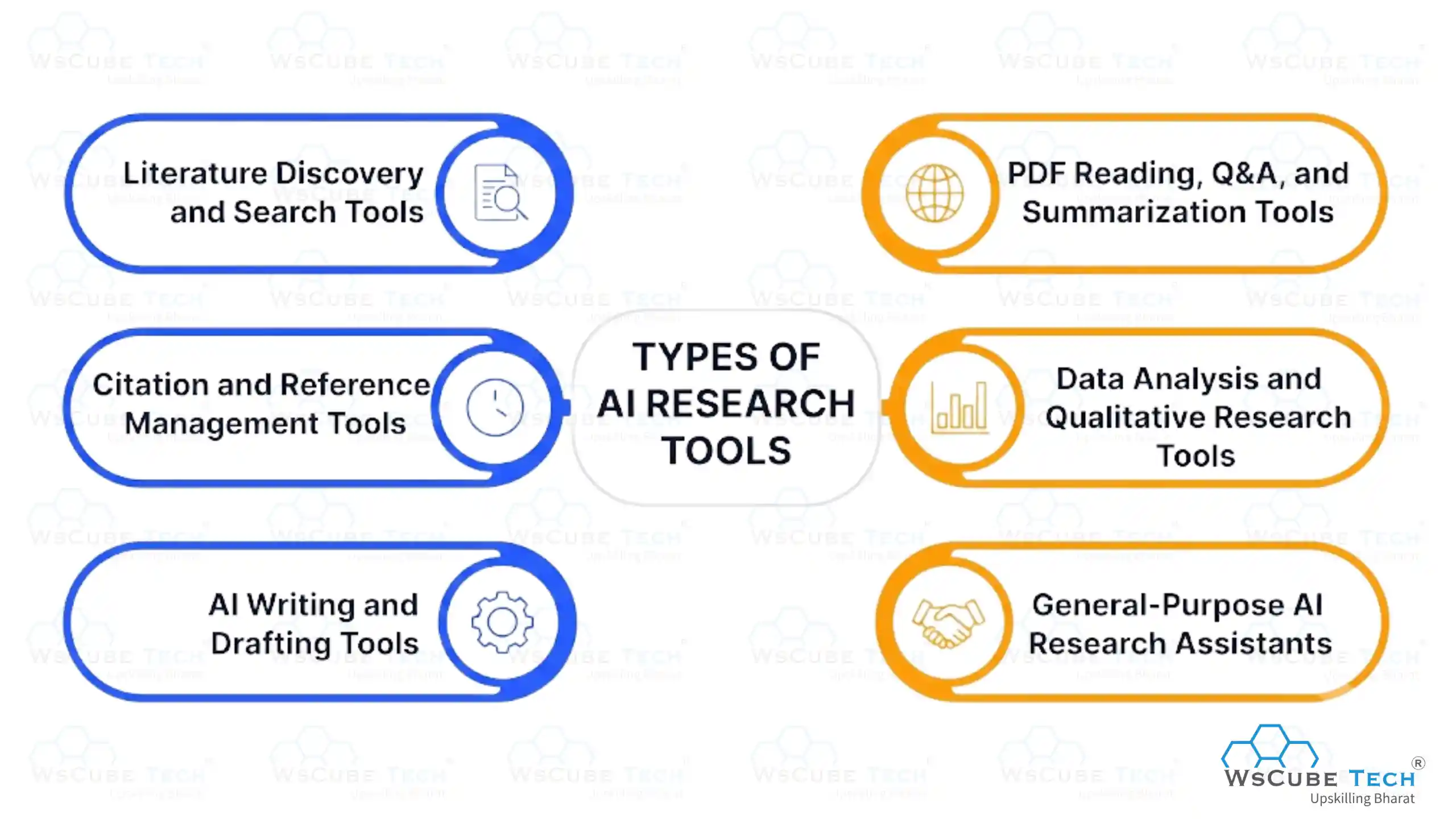
Not every research tool does the same job. Grouping them by function makes it easier to pick the right one for the task in front of you.
1. Literature Discovery and Search Tools
These tools help you find relevant papers, articles, or studies. Semantic Scholar, ResearchRabbit, and Litmaps fall here. They are strongest for building a reading list, tracing how studies connect, and spotting gaps in a field.
2. PDF Reading, Q&A, and Summarization Tools
Once you have a document, tools like NotebookLM and SciSpace let you upload it and ask questions directly. Instead of reading every page, you can ask "what methodology did this study use" and get a direct answer pulled from the text.
3. Citation and Reference Management Tools
Scite checks how a paper has been cited by later research, showing whether it was supported or disputed. Traditional reference managers like Zotero and Mendeley, now with AI features layered in, handle formatting citations in the style your publication requires.
4. Data Analysis and Qualitative Research Tools
For research involving interviews, surveys, or large datasets, tools like NVivo and ATLAS.ti use AI to code qualitative data and spot patterns across transcripts. Julius AI handles quantitative data analysis, running statistics, and building charts from raw numbers.
5. AI Writing and Drafting Tools
Once your research is gathered, writing tools turn notes into structured drafts. Paperpal focuses on late-stage polish for journal submissions. Jenni AI and QuillBot help with drafting and paraphrasing earlier in the process.
6. General-Purpose AI Research Assistants
ChatGPT, Claude, Gemini, and Perplexity fall into this category. They are flexible enough to help with almost any research task, from brainstorming a topic to explaining a difficult concept, but they are not built specifically for academic search, which is where more specialized tools take over.
Best AI Tools for Research (2026 List)
Here is a closer look at the tools that consistently show up as the best ai research tools in 2026, based on what they do well and where they fall short.
1. Perplexity

Perplexity works like a search engine that reads the results for you and writes a summary with sources attached. It is well suited for early-stage research when you are still exploring a topic rather than digging into academic literature specifically.
- Best for: Fast, cited answers to open-ended questions.
- Pricing: Free tier available. Perplexity Pro costs around $20 per month.
- Pros: Quick answers, visible citations, good for general topics.
- Cons: Citation accuracy drops on complex academic queries.
2. ChatGPT / Deep Research
ChatGPT's Deep Research mode can run for extended periods, gathering information from multiple sources and compiling it into a structured report. It also handles brainstorming, data cleanup, and drafting well.
- Best for: All-around research assistance and long, structured reports.
- Pricing: Free tier available. ChatGPT Plus costs around $20 per month.
- Pros: Flexible, strong writing quality, useful for non-academic research too.
- Cons: Citations need manual verification, since it can generate confident but inaccurate references.
3. Claude
Claude handles very long documents well, which makes it useful for reviewing lengthy reports or comparing multiple sources at once. It tends to be more cautious about stating things it is not confident about compared to some competitors.
- Best for: Long document analysis and reduced hallucination in written output.
- Pricing: Free tier available with usage limits. Paid plans scale up for heavier use.
- Pros: Strong reasoning, handles long context well, good for careful analysis.
- Cons: Not built specifically for academic citation search.
4. NotebookLM

NotebookLM, built by Google, is different from most tools on this list because it only answers based on the sources you upload. You add PDFs, links, or notes, and it treats them as a closed knowledge base you can ask questions against.
- Best for: Working from a fixed set of your own documents.
- Pricing: Free.
- Pros: Answers are grounded only in your uploaded material, reducing made-up information.
- Cons: Requires you to gather sources first; it will not discover new ones for you.
5. Semantic Scholar

Semantic Scholar indexes hundreds of millions of academic papers and is one of the most widely used free tools for building a reading list or tracing influential citations in a field.
- Best for: Broad academic search and citation tracking.
- Pricing: Free.
- Pros: Massive academic database, citation graphs, alerts for new papers.
- Cons: No built-in writing or summarization tools.
6. Elicit
Elicit is strong at pulling structured details, such as sample size, methodology, and outcomes, from a batch of papers and laying them side by side for comparison. This is especially useful for systematic reviews.
- Best for: Extracting and comparing data across multiple papers.
- Pricing: Free tier available. Paid Pro tier for heavier use.
- Pros: Structured extraction saves significant manual work.
- Cons: Pro tier pricing has increased, making it less accessible for casual use.
7. Consensus
Consensus searches published research and returns a direct, cited answer instead of a list of links. It is built for quick fact-checking against real studies rather than open-ended exploration.
- Best for: Fast, evidence-backed answers to focused questions.
- Pricing: Free tier available. Paid plans unlock unlimited searches.
- Pros: Answers are tied directly to peer-reviewed sources.
- Cons: Less useful for broad, exploratory research questions.
8. Scite
Scite shows whether later research supported, disputed, or simply mentioned a given study. This helps you avoid citing a paper that has since been challenged or debunked.
- Best for: Checking how a paper has actually been cited.
- Pricing: Free limited searches. Paid plans for full access.
- Pros: Adds a layer of credibility checking that most tools skip.
- Cons: Best used alongside a discovery tool, not as a standalone search engine.
9. SciSpace
SciSpace lets you upload a paper and ask it questions directly, with answers linked back to the specific passage they came from. It also offers a literature review mode for broader topic exploration.
- Best for: Reading and understanding dense academic papers.
- Pricing: Free tier available. Paid plans for higher usage.
- Pros: Strong PDF chat feature, good for breaking down complex papers.
- Cons: Less suited for general, non-academic research.
10. ResearchRabbit / Litmaps
ResearchRabbit and Litmaps map citation networks, so you can see how papers relate to each other. This is useful for making sure a literature review is not missing a major strand of research.
- Best for: Visualizing how research connects across a field.
- Pricing: Free.
- Pros: Visual maps make it easy to spot connections and gaps.
- Cons: Not a writing or summarization tool; best paired with others.
11. Paperpal
Paperpal focuses on grammar, tone, and journal-style formatting for research papers close to submission. It is not a discovery or drafting tool, but it catches issues that general writing tools often miss in academic writing.
- Best for: Final-stage academic language polish.
- Pricing: Free limited tier. Paid plans for full-length documents.
- Pros: Built specifically for academic and scientific writing conventions.
- Cons: Assumes you already have a full draft to polish.
12. QuillBot
QuillBot is a general writing tool rather than a dedicated research platform, but its summarizer and paraphraser are widely used by students and researchers for everyday writing tasks.
- Best for: Paraphrasing, grammar checking, and quick summaries.
- Pricing: Free with word limits. Paid plans start around $19.95 per month.
- Pros: Simple, flexible, useful outside of academic contexts too.
- Cons: Not built for deep academic paper analysis.
Best Free AI Tools for Research
If budget is the main concern, several free ai tools for research cover most of what a student or early-stage researcher needs without paying anything.
- NotebookLM is completely free and works well once you already have source material to upload.
- Semantic Scholar offers free access to its full academic search index, which is rare for a database this large.
- ResearchRabbit and Litmaps are free citation mapping tools with no meaningful paywall for standard use.
- Perplexity, ChatGPT, Claude, and Consensus all offer usable free tiers, though heavier use will eventually hit a limit.
A practical approach is to combine two or three free tools rather than paying for one all-in-one platform right away. Most student and early-career research needs can be met without a subscription.
Upcoming Masterclass
Attend our live classes led by experienced and desiccated instructors of Wscube Tech.



Free vs Paid AI Research Tools: Comparison Table
Let's check out the comparison table for all the ai research tools which include free and paid versions. It will help users opt for the right tool as per their requirements.
| Tool | Free Version | Paid Plan Starts At | Best For |
| Perplexity | Yes, limited searches | ~$20/month | Fast cited answers |
| ChatGPT | Yes, limited access | ~$20/month | General research and writing |
| Claude | Yes, usage limits | Scales with usage | Long document analysis |
| NotebookLM | Yes, fully free | N/A | Working from your own sources |
| Semantic Scholar | Yes, fully free | N/A | Academic paper discovery |
| Elicit | Yes, limited | Custom Pro pricing | Data extraction across papers |
| Consensus | Yes, limited searches | Custom pricing | Evidence-backed answers |
| Scite | Yes, limited searches | Custom pricing | Citation credibility checks |
| SciSpace | Yes, limited | Custom pricing | Reading dense papers |
| Paperpal | Yes, limited | Custom pricing | Academic language polish |
| QuillBot | Yes, with word limits | ~$19.95/month | Paraphrasing and grammar |
| ResearchRabbit | Yes, fully free | N/A | Literature discovery and citation mapping |
Best AI Tools for Research Paper Writing
Writing the paper itself is a different job from finding and reading sources, and it comes with its own risks, mainly around citations that sound real but are not.
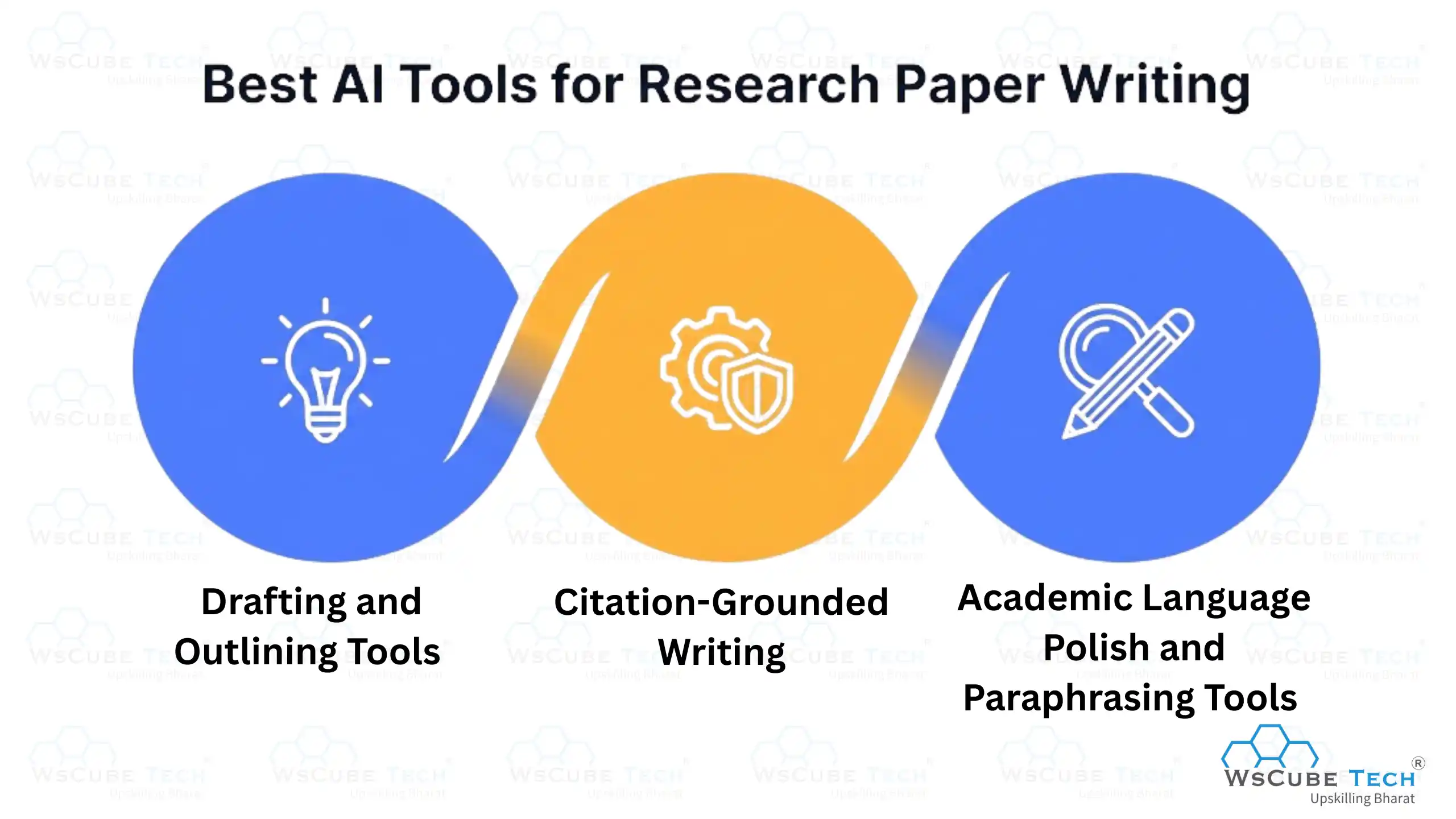
1. Drafting and Outlining Tools
Jenni AI offers in-line, section-by-section autocomplete that helps you move through a first draft faster without losing your own voice. ChatGPT and Claude also work well for outlining a paper's structure before you start writing the full sections.
2. Citation-Grounded Writing (Avoiding Fabricated References)
This is the single biggest risk in ai tools for research paper writing. A tool that generates citations from its training data rather than pulling them from a real database can invent a source that does not exist or attach the wrong claim to a real one.
More than half of researchers have already used AI tools during peer review, which makes citation accuracy even more important, since flawed references can now slip through multiple stages of the process.
When choosing a best ai tool for research paper writing, prioritize ones that retrieve citations from an actual paper database rather than generating them from memory.
3. Academic Language Polish and Paraphrasing Tools
Once a draft exists, Paperpal and Writefull are strong choices for tightening academic tone and catching wording issues specific to scientific and scholarly writing. QuillBot works well for general paraphrasing, and grammar checks but was not built specifically for academic conventions.
How to Choose the Right AI Tool for Your Research
The right tool depends heavily on who you are and what you are trying to produce.
1. For Students and Academic Researchers
Start with a free discovery tool like Semantic Scholar, pair it with NotebookLM for reading your source material, and use Consensus when you need a quick, evidence-backed answer to a specific question.
If you are new to how these AI systems work under the hood, taking a structured AI Course can help you understand what a model can and cannot reliably do before you build a research workflow around it.
2. For Content Creators and SEO Researchers
Perplexity and ChatGPT are usually enough for gathering background information, checking facts, and summarizing competitor content quickly. Academic-only tools like Elicit or Scite are typically overkill for this kind of work.
3. For Business and Market Researchers
ChatGPT Deep Research or Gemini's Deep Research mode are better suited to pulling together long, structured reports from multiple sources, which is closer to how market research and competitive analysis actually work.
4. For Scientific and Qualitative Researchers
NVivo and ATLAS.ti remain the standard for coding interviews and qualitative data, while Elicit and Scite add real value for literature review and citation credibility in scientific fields.
Read More Blogs Related to Artificial Intelligence
Best AI Research Tools: By Use Case
Use this table as a quick reference when you are not sure which tool fits the task in front of you.
| Use Case | Recommended Tool | Why |
| Quick, cited answers to a question | Perplexity | Fast turnaround with visible sources |
| Reading your own uploaded documents | NotebookLM | Answers stay grounded only in what you upload |
| Finding academic papers | Semantic Scholar | Free access to a massive research index |
| Comparing findings across papers | Elicit | Extracts structured data side by side |
| Checking if a study is still trusted | Scite | Shows how later research treated it |
| Drafting a first version of a paper | Jenni AI or ChatGPT | Section-by-section drafting support |
| Final academic language polish | Paperpal | Built for journal-style writing conventions |
| Mapping how a field of research connects | ResearchRabbit or Litmaps | Visual citation network |
No single tool wins across every row, which is exactly why combining two or three tools produces better results than depending on one.
Limitations & Risks of Using AI for Research
No AI tool is risk-free, and treating any of them as fully reliable is where most mistakes happen.
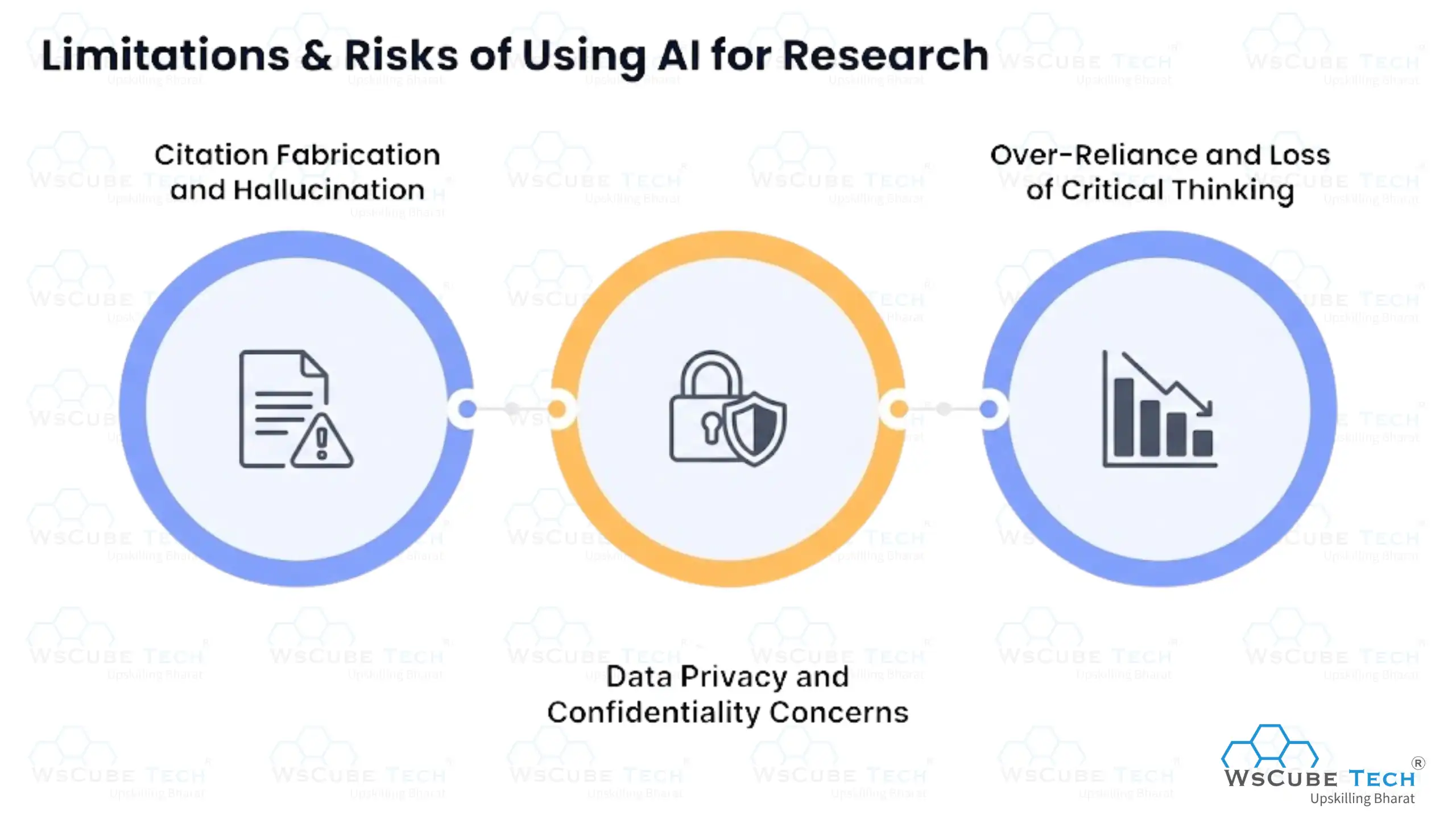
1. Citation Fabrication and Hallucination
The most serious risk across every category of tool is a citation or fact that sounds correct but is not real. This happens more often with general-purpose chatbots than with tools built specifically to retrieve from a real database.
A review found that 70% of surveyed academics now use AI for writing papers, yet over 60% of researchers in the same survey said they were concerned about AI misuse, and more than half had actually observed it happening.
2. Data Privacy and Confidentiality Concerns
Uploading sensitive material, such as unpublished data, confidential interviews, or protected health information, to a general AI platform raises real questions about where that data is stored and who can access it. Many tools do not clearly disclose their data retention policies, so it is worth checking before uploading anything sensitive.
3. Over-Reliance and Loss of Critical Thinking
Leaning on AI to summarize, analyze, and even draft conclusions can quietly erode the habit of reading sources critically yourself. The safest approach is to treat AI output as a starting point that still needs your own judgment applied to it, not a finished answer.
Best Practices for Using AI Tools in Research
A few habits make the difference between using these tools well and getting burned by them.
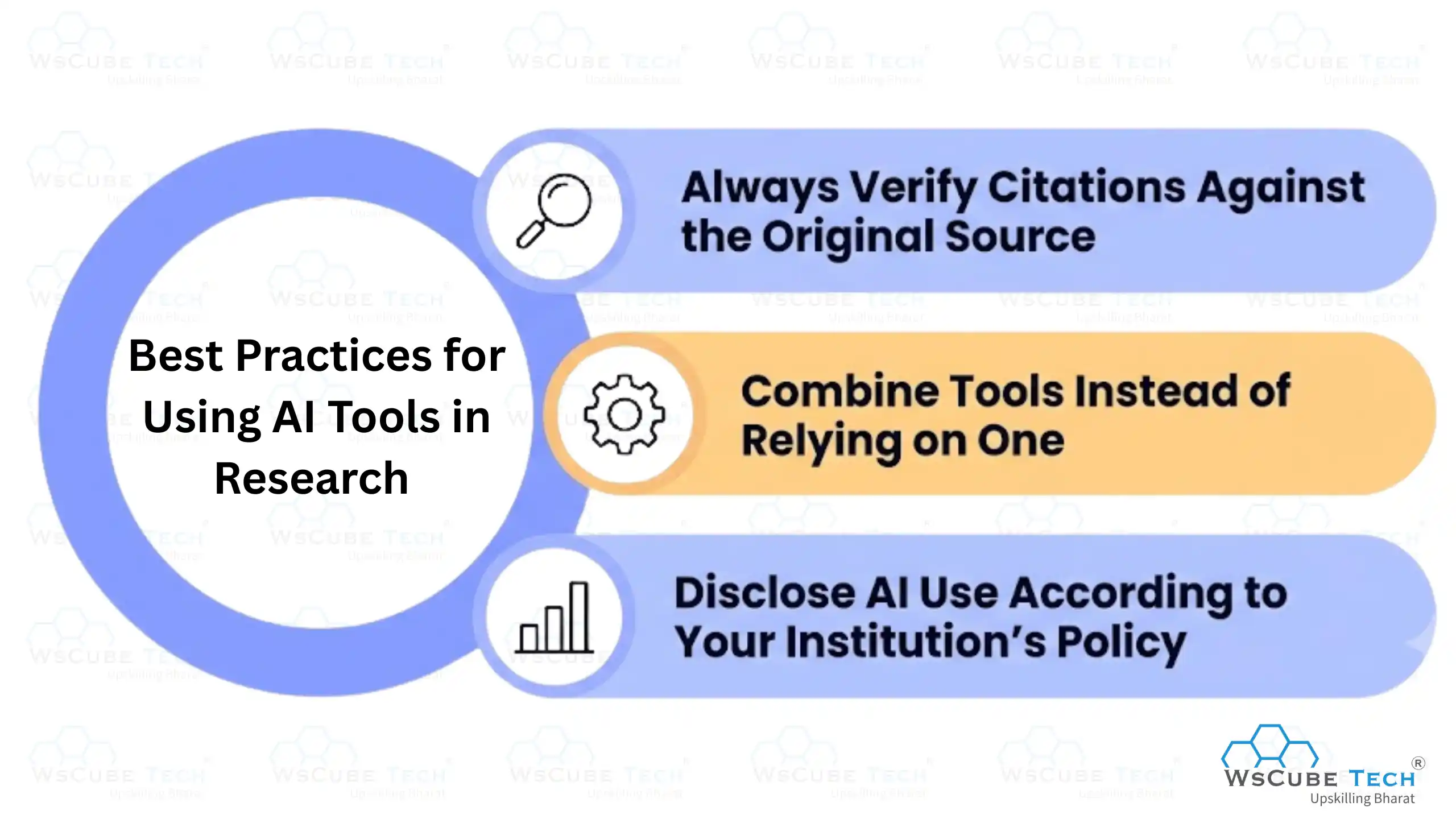
1. Always Verify Citations Against the Original Source
Never cite a source in your own work without opening it and confirming the claim actually appears there. This single habit prevents the most common and most damaging AI research mistake.
2. Combine Tools Instead of Relying on One
No single tool covers discovery, reading, citation checking, and writing equally well. Using two or three tools together, each for what it does best, produces far more reliable results than expecting one platform to do everything.
3. Disclose AI Use According to Your Institution's Policy
Universities, journals, and employers increasingly have specific rules about how AI can be used and disclosed in research work. Check your institution's or publication's policy before submitting anything, since standards vary widely and are still changing.
Explore Our Popular Courses
Which AI Tool Is Best for Research?
There is no single winner, because the best ai for research depends on the task. For fast, cited answers to general questions, Perplexity is a strong default. For long documents and careful analysis, Claude tends to perform well.
For academic paper discovery, Semantic Scholar remains hard to beat, especially since it is free. If you only take away one thing, it should be this: pick the tool based on the specific job, not based on which one is most talked about.

FAQs about Best AI Research Tools
It depends on the task. Perplexity is strong for quick, cited answers. Claude handles long documents well. Semantic Scholar is best for free academic paper discovery.
NotebookLM and Semantic Scholar are both completely free and cover two different needs: working from your own uploaded sources and searching academic literature.
They can be trusted as a starting point, but every citation and factual claim should be manually verified before it is used in academic work.
Tools that pull citations from a real database, rather than generating them from memory, are the safest choice for paper writing. Jenni AI and Paperpal are strong options for different stages of the writing process.
Not always. Check a tool's data retention and privacy policy before uploading sensitive, unpublished, or confidential material.
No. They speed up discovery, reading, and drafting, but critical thinking, source evaluation, and final judgment still need to come from the researcher.
It is useful for brainstorming, summarizing, and drafting, but it is not built specifically for academic citation search, so its references should always be double-checked.
Two or three is usually enough. One for discovery, one for reading and summarizing, and one for writing or citation checking. Adding more than that tends to slow you down rather than speed things up, since switching between platforms and re-checking sources across each one adds its own overhead.
For most students and early-career researchers, yes. NotebookLM and Semantic Scholar alone cover a large share of a typical research workflow, and both are fully free with no meaningful limits on core features. Paid tiers mostly add convenience, such as higher usage limits or more advanced extraction features, rather than unlocking a completely different level of quality.
A list of ai tools for research shows you what is available, but a workflow means using two or three of them together across discovery, reading, and writing to actually get the job done efficiently.
Conclusion
The best ai tools for research in 2026 are not about picking one platform and using it for everything. They work best when matched to the specific stage of research they were built for: discovery, reading, citation checking, or writing.
Start with free tools like NotebookLM and Semantic Scholar, add a paid tool only once you know exactly which gap it fills, and always verify what these tools tell you before it ends up in your final work. Used this way, AI does exactly what its promise says: it saves time without costing you accuracy.
Join Our On-Campus Courses
Explore Our Free Courses





Leave a comment
Your email address will not be published. Required fields are marked *Comments (0)
No comments yet.