
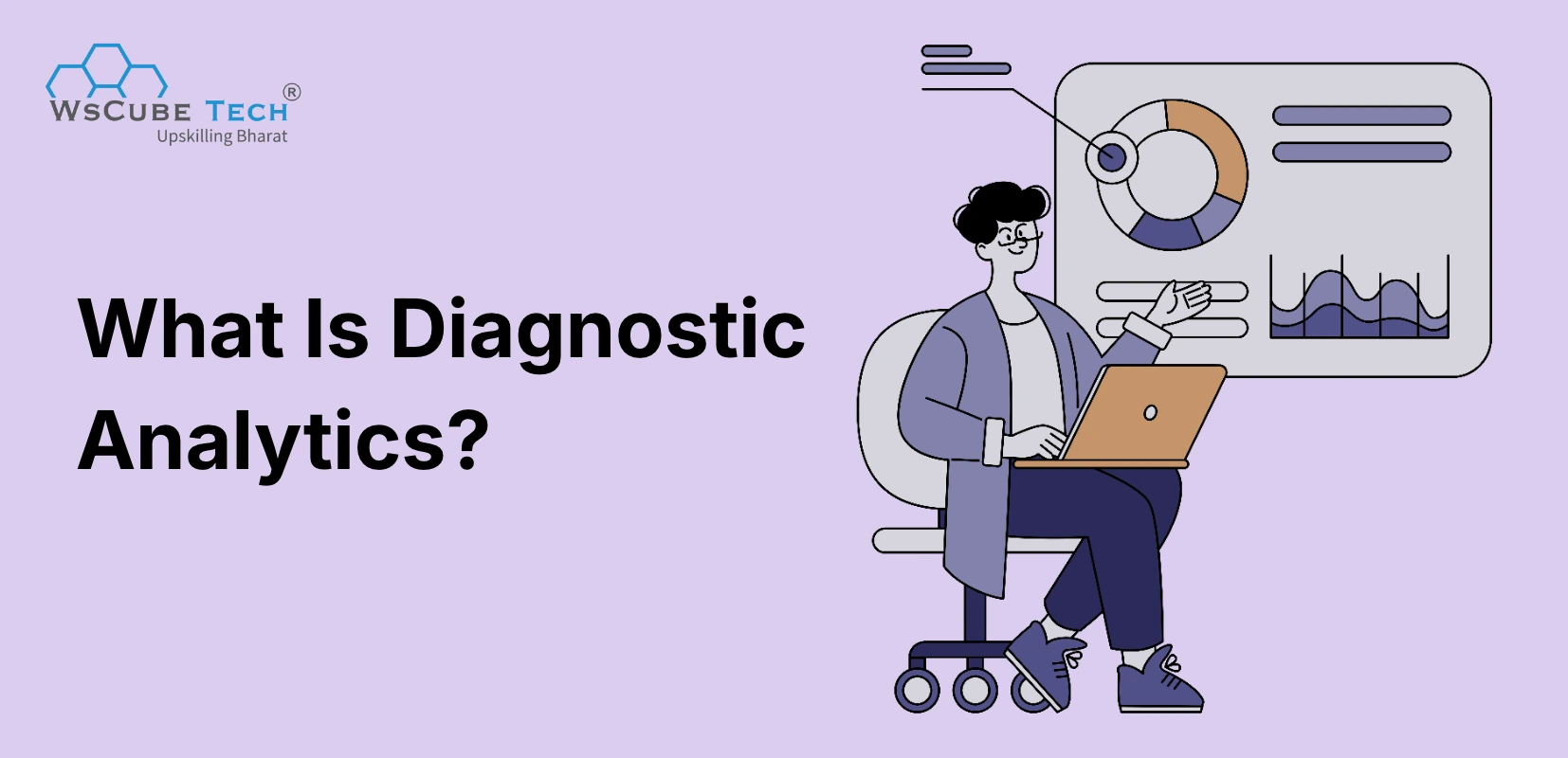
Every business hits a moment when sales drop, customers leave, or costs jump, and leaders ask one simple question: why did this happen? A report can show the drop, but it cannot explain it.
That is where diagnostic analytics helps. It studies past data to find the causes, patterns, and links behind a result, so teams can fix the real problem instead of guessing.
In this guide, you will learn how it works, the main techniques, real examples, tools, benefits, and limits, all in simple words.
Key Takeaways:
- Diagnostic analytics explains why something happened by digging into historical data.
- It sits between descriptive analytics (what happened) and predictive analytics (what might happen).
- Core methods include root cause analysis, correlation, drill-down, regression, and anomaly detection.
- Retail, healthcare, finance, marketing, and manufacturing teams already use it every day.
- Clean, well-organized data is the biggest factor in getting reliable answers.
- Modern AI tools now automate much of the digging, so non-experts can find causes faster.
Diagnostic Analytics Meaning & Definition
So, what is diagnostic analytics in simple terms? It is the part of data analysis that looks at past results and explains why they happened. Think of a doctor. A thermometer shows you have a fever, but the doctor runs tests to find the cause. Diagnostic analytics plays the same role for your business data.
It works with data you already have, such as sales records, website visits, customer feedback, and operations logs. Analysts compare periods, split data into groups, test ideas, and look for links between events. The goal is not just to spot a problem. The goal is to understand its source so the fix actually works.
Upcoming Masterclass
Attend our live classes led by experienced and desiccated instructors of Wscube Tech.

Where Diagnostic Analytics Fits Among the Four Types
The four types of business analytics help businesses understand past performance, find reasons behind changes, predict future results, and choose the right actions.
1. Descriptive Analytics: What happened?: It summarizes past data to show what went well or what went wrong.
Example: A company notices that its sales dropped by 15% last month.
2. Diagnostic Analytics: Why did it happen?: It examines data more closely to find possible reasons behind a problem or change.
Example: The company discovers that many customers faced errors while paying through its mobile website.
3. Predictive Analytics: What might happen next?: It uses past data and current trends to estimate what could happen in the future.
Example: The company estimates how much it might sell next month based on previous sales trends.
4. Prescriptive Analytics: What should we do?: It compares different options and suggests actions that could help improve results.
Example: The company decides to fix mobile payment errors first to help increase sales.
For a detailed comparison, explore our guide to the types of business analytics.
Descriptive vs Diagnostic vs Predictive vs Prescriptive Analytics
The four types are easy to mix up because they use the same data. The table below shows how they differ in purpose, question, methods, and typical output.
| Feature | Descriptive Analytics | Diagnostic Analytics | Predictive Analytics | Prescriptive Analytics |
| Key question | What happened? | Why did it happen? | What might happen? | What should we do? |
| Time focus | Past | Past | Future | Future |
| Purpose | Summarize results | Find causes | Forecast outcomes | Recommend actions |
| Common methods | Reports, KPIs, dashboards | Drill-down, correlation, root cause analysis | Regression, machine learning, forecasting | Optimization, simulation, decision models |
| Typical output | Charts and summaries | Cause and effect insights | Probabilities and forecasts | Action plans |
| Complexity | Low | Medium | High | Very high |
| Example | Sales fell 12% in March | The fall came from a stock shortage in two cities | Sales may fall again next month | Restock those cities by the 5th |
How Does Diagnostic Analytics Work?
It follows a clear path. You start with a surprising result, then work backward through your data until the cause becomes clear. Each step narrows the search, and each answer often leads to a better question. Here is how the process usually runs.
- Spot the problem or change. Start with a result that stands out, like a sudden drop in conversions or a spike in returns.
- Collect the right data. Pull data from every source that could be involved, such as sales systems, CRM tools, web analytics, and support tickets.
- Clean and organize it. Remove duplicates, fix errors, and match formats so the numbers can be trusted.
- Find patterns and outliers. Use charts and statistics to see which segments, time periods, or products behave differently.
- Test possible causes. Build a list of likely reasons, then check each one against the data using techniques like correlation and hypothesis testing.
- Confirm the root cause. Keep digging until you find the reason that explains the pattern, not just something that appears alongside it.
- Share and act. Present the finding in plain language, then plan the fix and track whether it works.
Key Techniques and Methods in Diagnostic Analytics
There is no single method for finding causes. Analysts mix several diagnostic analytics techniques depending on the question and the data they have. Here are the nine most common ones.
1. Root Cause Analysis
Root cause analysis asks "why" again and again until you reach the original source of a problem. Tools like the 5 Whys and fishbone diagrams help. It keeps teams from treating symptoms and makes sure the same issue does not return.
2. Correlation Analysis
Correlation analysis identifies variables that move together. These relationships can help analysts develop hypotheses about possible causes, but further investigation is needed to establish whether one factor actually caused the outcome.
3. Drill-Down Analysis
Drill-down analysis breaks a big number into smaller parts. You might start with total revenue, then go to region, then store, then product. This quickly shows where a problem is hiding and where it is not.
4. Regression Analysis
Regression analysis estimates the relationship between an outcome and one or more explanatory variables. In multiple regression, it can estimate the association between a factor and the outcome while accounting for other variables included in the model. However, regression alone does not establish causation.
5. Hypothesis Testing
Hypothesis testing checks whether a suspected cause is real or just random chance. You state an idea, such as "the new checkout page lowered sales," then use statistical tests and p-values to see if the data supports it.
6. Anomaly Detection
Anomaly detection finds data points that do not fit the normal pattern, like a sudden traffic spike or a strange payment. It can run automatically and alert you early, so you can investigate before small issues grow.
7. Cohort and Cluster Analysis
Cohort analysis groups people by a shared trait, like sign-up month, and tracks how each group behaves over time. Cluster analysis groups similar records automatically. Both reveal which customer groups are driving a change.
8. Time-Series Decomposition
Time-series decomposition splits data over time into trend, seasonal pattern, cyclical movements and irregular noise. This helps you tell whether a drop is a real problem or just the usual seasonal dip, such as a slow month after a festival.
9. Pareto Analysis and Data Mining
Pareto analysis shows that a small share of causes often creates most of the effect, the well-known 80/20 idea. Data mining searches large datasets for hidden patterns. Together, they help you focus on the few issues that matter most.
Real-World Applications and Examples of Diagnostic Analytics
Teams in nearly every industry use this approach to move from "we see a problem" to "we know the cause." The diagnostic analytics examples below follow a simple pattern: what happened, what the analysis found, and what the team did next. The numbers are illustrative, but the logic mirrors how real teams work.
1. Retail and E-Commerce
A fashion store notices that online sales fell 15% in one month. Drill-down analysis shows the drop came only from mobile users. Further checks reveal a slow checkout page on mobile, with load time rising from 2 seconds to 6 seconds after a site update. The team rolled back the change, and mobile sales recovered within two weeks. Without the drill-down, the team might have wasted money on discounts.
2. Healthcare
A hospital sees a rise in patient readmissions. Analysts compare patient groups and find that most readmitted patients were discharged on weekends, when fewer staff were available to explain medicines and follow-up steps. The hospital improved weekend discharge support, added reminder calls, and watched readmission rates move back down. Here, data helped protect patients and reduce costs.
3. Banking and Finance
A bank sees more loan defaults in one customer segment. Using regression analysis, analysts learn that missed early payments and high credit use were the strongest warning signs, not income alone. The bank changed its screening rules and added early reminders. This improved lending decisions and reduced losses without turning away good borrowers.
4. Digital Marketing
A brand's website traffic holds steady, but leads drop 20%. Analysts split traffic by channel and find that paid social visits rose while quality dropped, because a new audience setting attracted people with low buying intent. After fixing the targeting and moving budget to search ads, lead quality improved. Marketers use this kind of analysis daily to explain campaign results.
5. Manufacturing
A factory sees defects rising on one production line. Root cause analysis and anomaly detection link the defects to a machine that began running slightly hotter after maintenance. The team recalibrated the machine and added a temperature alert. Defect rates dropped, and the factory avoided a costly recall.
6. Supply Chain and Logistics
A logistics company sees late deliveries climb in one region. Time-series decomposition shows the delays are not seasonal. Drill-down points to a single warehouse where a new sorting process caused backlogs at peak hours. The company adjusted staffing and shifted order cut-off times, and on-time delivery returned to normal.
7. Human Resources
A company sees high employee turnover. Cohort analysis shows that most people leaving were hired in the last year and reported to the same two managers, and exit surveys pointed to unclear role expectations. HR introduced better onboarding and manager coaching, and early attrition began to fall.
8. SaaS and Telecom
A subscription company sees customer churn rise. Cluster analysis shows that customers who never used a key feature in their first 30 days were far more likely to leave. The team built a guided onboarding flow that highlighted that feature, and the churn rate in new cohorts improved. This is a classic case where the cause was hidden inside usage behavior.
9. Education
A university sees more first-year students dropping out. Cohort analysis shows that students who missed more than three classes in the first month, and who did not log in to the learning portal, were the most likely to leave. The team set up an early alert system so advisors could call these students within a week. Dropout numbers in later batches began to improve, and advisors spent their time where it mattered most.
10. Insurance
An insurer notices claims costs rising in one product line. Analysts use drill-down and regression analysis and find that a small group of repair shops charges far more than the average for similar jobs. After reviewing those partners and updating the network, the insurer brought costs back in line. The analysis also gave the team a clean, fact-based case to share with the partners.
11. Travel and Airlines
An airline sees more customer complaints on one popular route. Analysts link complaint data with flight logs and find that most issues appear on flights with tight turnaround times, which cause late boarding and missed baggage transfers. The airline added buffer time to those schedules, and complaint volume dropped. The fix cost far less than the compensation it had been paying.
A Step-by-Step Example: Why Did Online Sales Drop?
Let us walk through one case from start to finish, so you can see how the pieces fit together. Imagine an online store whose weekly sales fell from 10,000 orders to 8,200, a drop of 18%.
- Step 1: Describe the change. The dashboard confirms the drop. It started in week 3 and has stayed low since.
- Step 2: Drill down. The team splits orders by device, region, and product. Desktop and tablet orders look normal. Mobile orders fell by 35%, mostly in one product category.
- Step 3: Form ideas. Possible causes include a site bug, a price change, a stock issue, or a weaker ad campaign. The team lists all four.
- Step 4: Test each idea. Price and stock look normal. Ad spend is steady. Page speed data shows that mobile product pages slowed down sharply in week 3, right after a new image gallery was added.
- Step 5: Confirm the cause. Regression and cohort checks show that visitors who saw slow pages were much less likely to buy than those who saw fast pages.
- Step 6: Act and measure. The team compresses the images and fixes the gallery code. Mobile orders recover over the next two weeks, and the team adds a page speed alert to catch the problem early next time.
The lesson is simple. A dashboard told the team that sales fell. Only a step-by-step investigation told them why, and that is what made the fix possible.
What These Examples Have in Common
Across all these cases, the pattern is the same. Teams begin with a visible change, split the data into smaller parts, test the most likely causes, and act on the one that the evidence supports. They also avoid jumping to quick answers. The first idea is often wrong, and checking it against data saves time, money, and trust.
Explore More Blogs Related to Business Analytics
Key Benefits of Diagnostic Analytics
Finding the cause of a problem is worth more than just spotting it. The benefits of diagnostic analytics show up in faster decisions, smarter spending, and fewer repeat mistakes. Data-driven companies tend to do better overall. Here are eight clear benefits.
- Finds the real cause. It moves teams past surface symptoms and shows what is actually driving a result, so fixes target the right problem.
- Improves decision quality. Leaders act on evidence instead of opinion, which lowers the chance of costly guesses and internal debates.
- Saves time and money. Knowing the cause early prevents wasted budgets on solutions that do not work and cuts the time spent on trial and error.
- Prevents repeat problems. Once a cause is found and fixed, the same issue is far less likely to return, which builds long-term stability.
- Strengthens predictive work. Good forecasts depend on understanding past drivers, so diagnosing first makes later predictions more accurate and trusted.
- Improves customer experience. Spotting why customers leave or complain helps teams remove friction, fix service gaps, and keep people coming back.
- Boosts team accountability. Clear evidence shows which process, step, or decision caused an outcome, which helps teams learn without blame.
- Supports risk management. Early signals of fraud, quality issues, or compliance gaps become visible, so teams can act before small risks turn into big losses.
Challenges and Limitations of Diagnostic Analytics
Like any method, this one has limits. Knowing them helps you plan better and avoid false conclusions. Here are seven common challenges teams face.
- Poor data quality. Gartner research suggests poor data quality costs organizations an average of $12.9 million a year. Wrong or missing data leads to wrong causes.
- Correlation is not causation. Two things moving together does not prove one caused the other. Analysts need extra tests to avoid false conclusions.
- Data silos. Information stored in separate tools makes it hard to see the full picture. Joining sources takes time and clear ownership.
- Backward-looking by nature. It explains what already happened. It cannot, on its own, tell you what will happen next or what to do.
- Skill gaps. Good analysis needs statistics, business sense, and tool knowledge. Many teams lack people who combine all three.
- Time and effort. Digging through layers of data can be slow, especially when data is messy or the question is vague.
- Hidden or missing factors. Sometimes the true cause is not in your dataset at all, such as a competitor's move or a change in customer mood.
One more point on data trust: an analysis of a research notes that 59% of organizations do not measure data quality, which makes it hard to know how reliable their findings are.
Recommended Professional Certificates
Data Analytics Course with Gen AI
Data Science Course with Internship & Placement Support
Best Diagnostic Analytics Tools and Technologies
The right tool makes the digging faster and easier to share. Most teams combine a visual tool with a query language and, for deeper work, a programming language. Here are eight popular options.
1. Microsoft Power BI
Power BI offers interactive dashboards with drill-through and "analyze" features that help explain why a number changed. It works well with Excel and Microsoft apps and suits teams of every size.
2. Tableau
Tableau is known for flexible visuals and easy drill-downs. Its "Explain Data" feature suggests possible reasons for unusual values, which helps analysts test ideas quickly.
3. Looker
Looker, part of Google Cloud, uses a shared data model, so everyone works from the same definitions. This keeps diagnostic results consistent across teams and reports.
4. Qlik Sense
Qlik Sense uses an associative engine that lets you click through connected data freely. This makes it easy to explore links between fields and spot unexpected patterns.
5. ThoughtSpot
ThoughtSpot lets users ask questions in plain language and get answers with charts. Its search-style design helps non-technical teams explore the "why" behind their numbers.
6. Amplitude
Amplitude focuses on product and user behavior. It helps teams find out why users drop off, which features drive retention, and how different cohorts behave over time.
7. Python and R
Python and R give analysts full control for regression, hypothesis testing, and anomaly detection. Libraries like pandas, statsmodels, and scikit-learn handle deeper statistical work.
8. SQL
SQL is the base skill for pulling and slicing data from databases. Most diagnostic work starts with SQL queries that group, filter, and compare records in detail.
Choosing the right tool depends on your data, analytical needs, and technical skills. If you want to explore more platforms for data analysis, visualization, and reporting, check out our guide to the best business analytics tools.
Best Practices for Implementing Diagnostic Analytics
A good tool is not enough. Teams that get strong results follow a few simple habits. These practices help you get accurate answers and turn them into real action.
1. Start With a Clear Business Question
Begin with a specific question, such as "why did repeat purchases fall in June?" A sharp question guides which data you need and keeps the analysis from drifting.
2. Fix Your Data Foundation First
Clean, consistent, and well-labeled data matters more than fancy tools. Set data standards, remove duplicates, and track data quality, so findings can be trusted by everyone.
3. Combine Data from Multiple Sources
Causes rarely sit in one system. Bring together sales, marketing, product, and support data so you can see how events in one area affect another.
4. Test Ideas Instead of Assuming
Treat every possible cause as a hypothesis. Use statistical checks and compare groups, so you confirm real drivers and avoid acting on coincidence.
5. Mix Data Skills with Business Knowledge
Numbers need context. Work with people who know the product, customers, and market, because they can tell you when a pattern makes sense and when it does not. To build these skills yourself, a structured business analytics course can help.
6. Share Findings and Track Results
Explain results in plain words with simple visuals. After acting, measure whether the fix worked. This closes the loop and builds trust in data across the company.
Future Trends in Diagnostic Analytics and the Role of AI
AI is changing how teams find causes. What once took days of manual digging can now take minutes. Here are seven trends shaping the field as of 2026.
- GenAI-powered analytics. Gartner predicts that 75% of new analytics content will use generative AI for context by 2027, linking insights to actions more closely.
- Natural language questions. A Gartner survey of 403 leaders found that over 50% of organizations already use AI for automated insights and natural language queries, so anyone can ask "why" in plain words.
- Autonomous analytics. Gartner expects augmented analytics platforms to manage and execute 20% of business processes by 2027, reducing manual work.
- Automated root cause detection. Tools now scan thousands of data combinations and surface the likely cause of a metric change without an analyst building every query.
- Real-time diagnostics. Streaming data lets teams investigate issues as they happen, not weeks later, which is vital for fraud, outages, and fast-moving campaigns.
- AI agents and monitoring. Always-on agents watch key metrics, flag changes, and start the investigation on their own, then hand findings to a human for review.
- Stronger governance. As AI does more of the analysis, companies are adding checks for accuracy, bias, and explainability, so teams can trust and audit the answers.

FAQs About Diagnostic Analytics
It is the study of past data to explain why something happened. It looks beyond the numbers to find causes, such as why sales dropped or why customers left.
The four types are descriptive (what happened), diagnostic (why it happened), predictive (what might happen), and prescriptive (what to do). Each builds on the one before it.
Common methods include root cause analysis, correlation analysis, drill-down analysis, regression, hypothesis testing, anomaly detection, cohort and cluster analysis, time-series decomposition, and Pareto analysis.
Not exactly. Root cause analysis is one technique inside it. Diagnostic analytics is the wider practice that also uses correlation, regression, drill-down, and other methods to explain results.
Yes, in part. AI tools can detect anomalies, test many factors, and suggest likely causes automatically. Humans still need to check the findings and add business context.
Use it whenever a result surprises you, such as a sales drop, rising churn, or more defects. It is also helpful after major changes, like a campaign, price change, or product launch.
Descriptive analytics reports what happened, like total sales. Diagnostic analytics goes further and explains why it happened, such as which region or product caused the change.
You need clean historical data from relevant sources, such as sales, customer, web, and operations records. The more complete and consistent the data is, the more reliable the findings.
Not always. Tools like Power BI, Tableau, and ThoughtSpot allow drill-downs without code. Learning SQL, Python, or R helps with deeper statistical work and larger datasets.
Examples include finding why website leads fell, why a store's sales dropped, why patients returned to hospital, or why a production line made more defects.
Conclusion
Diagnostic analytics turns a confusing result into a clear explanation. It helps teams stop guessing and start fixing the real cause behind sales dips, customer loss, or process problems.
Start with a sharp question, keep your data clean, and use the right techniques and tools. As AI makes this work faster, teams that can ask "why" well will make better decisions.
Build Job-Ready Skills with Our Online Courses
Join Our On-Campus Data-Related Programs
| Data Analytics Course in Jaipur | Data Analytics Course in Jodhpur |
| Data Science Course in Jaipur | Data Science Course in Jodhpur |
Explore Our Free Courses



Leave a comment
Your email address will not be published. Required fields are marked *Comments (0)
No comments yet.