
Stuck after learning JavaScript and wondering, "What project should I build now?" You're not alone. Many learners reach this stage where concepts are clear, but turning them into real projects feels confusing and overwhelming.
The problem isn't your skills. It's the lack of practical project ideas and guidance. Most tutorials focus only on basics, without showing how to combine concepts like DOM, APIs, and events into something meaningful.
As a result, progress slows, confidence drops, and your portfolio stays empty. Without real projects, it's hard to prove your skills or stand out.
That's exactly where this guide to JavaScript projects with source code helps. You'll discover practical project ideas, understand how they work, and get ready-to-use code to build, practice, and confidently improve your development skills step by step.
What Is JavaScript?
JavaScript is a popular programming language used in frontend web development. It helps developers create interactive and engaging web pages with features like buttons, forms, animations, and more.
When combined with Node.js, JavaScript can also be used for backend development to build server-side applications and handle data efficiently.
Anyone taking an online web development course and planning a career in this field should work on multiple JavaScript projects. Following a clear JavaScript Syllabus and building projects helps in gaining hands-on experience and creating a strong portfolio.
Recommended Professional Certificates
Full Stack Development Course with AI Engineering
WordPress Bootcamp
JavaScript Project Ideas for Beginners in 2026
Here are some amazing JavaScript project ideas, along with source code, that beginners can use to build their knowledge and portfolio:
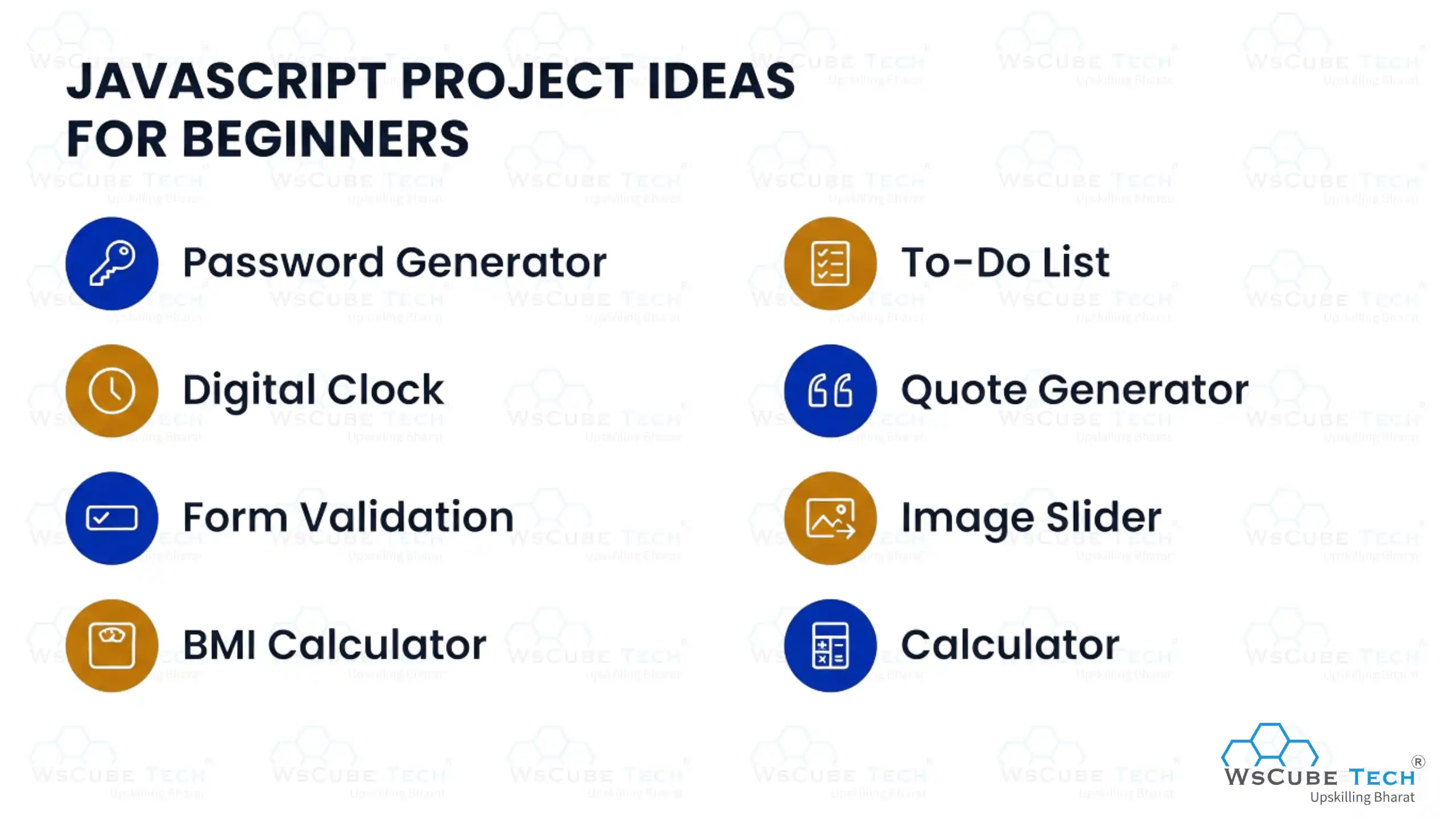
1. Password Generator
As a beginner, it’s recommended to start with something simple yet practical. A password generator is a great project that helps you apply your JavaScript knowledge while building something useful for real-world security needs.
This project allows users to generate strong and secure passwords based on preferences like length, uppercase letters, numbers, and special characters. It helps you learn random value generation, string handling, and user input management. You can also enhance it by adding features like copy-to-clipboard, password strength indicators, and customization options to improve usability and functionality.
Source Code: Password Generator
2. Digital Clock
We all use clocks every day. We also know that time is precious and must be valued. People rely on alarm clocks and digital clocks to stick to their routines and ensure they follow schedules. So, why not create a digital clock using JS? It can be among the best JavaScript projects for beginners if executed well.
When you use a website or web application with a self-updating time element like clock, the chances are it is made using JavaScript. Hence, it is a useful project that will come in handy for JS projects, giving you insights into what you will be doing as a professional developer.
The clock can include various features to make it interactive and fun, such as a timer, alarm clock, second/minute hands, stopwatch, etc. Pick this option to learn how to achieve specific project goals as a JavaScript developer.
Source Code: Digital Clock
3. Form Validation
Many websites use a validation form feature to validate client-side information, such as card details, addresses, user details, etc. If a field name requires input, a user can choose to type one letter, mention a number, or leave it blank. JavaScript makes implementing these validations possible and easier.
This project requires beginners to create a simple validation form using JS. It also demands using HTML elements for efficient programming.
Source Code: Form Validation
4. BMI Calculator
Are you looking for a JavaScript mini project as a beginner? A BMI calculator is an excellent choice that helps you build a simple and useful application. It allows users to enter their height and weight and instantly get their BMI value.
This web application calculates Body Mass Index based on user input and helps users understand their fitness level by comparing weight and height. It is commonly used to estimate body fat and track overall health.
Your BMI calculator should work with a single click and clearly display the result on the screen. You can improve it by showing BMI categories like underweight, normal, and overweight, along with helpful feedback.
Powered by JavaScript, this project helps you practice calculations, user input handling, and UI updates. You can make it more advanced by adding features like personalized health tips, history tracking, and additional health data to create a more useful and interactive tool.
Source Code: BMI Calculator
5. To-Do List
Whether you are a student or a working professional, managing daily tasks can be challenging. A to-do list app is a simple yet powerful solution that helps users stay organized and avoid missing important tasks.
This project involves building a dynamic JavaScript application where users can add, edit, delete, and mark tasks as completed. It helps you understand DOM manipulation, event handling, and how to create interactive user interfaces.
The app updates in real time as users manage their tasks, making it easy to track progress. You can also enhance it by adding features like a login system, personal dashboard, and saving tasks using local storage.
To make it more advanced, include features like due dates, task prioritization, and categories. This project not only improves your development skills but also teaches you how to build practical and user-friendly applications.
Source Code: To-do List
6. Quote Generator
We all seek inspiration in our daily lives. For this, we read and write quotes that motivate us when we feel blue. For anyone who is looking for JavaScript projects for beginners with source code, a quote generator is a go-to solution to showcase your JS knowledge and learnings.
This app generates and displays famous quotes based on categories and moods. It shows quotes from famous politicians, historical figures, poets, athletes, and other popular personalities.
This project requires an understanding of fundamental JavaScript syntax, including loops, variables, and object literals. You can apply and assess your practical skills while working on such a fun app.
Source Code: Quote Generator
7. Image Slider
An image slider is a great beginner-friendly JavaScript project that allows users to view multiple images by sliding or clicking through them. It helps you understand how to handle events, update the DOM, and create interactive UI elements.
In this project, you can add features like next/previous buttons, auto-slide functionality, and navigation dots. It improves your skills in timing functions, animations, and user interaction, making your web applications more dynamic and engaging.
Source Code: Image Slider
8. Calculator
A calculator is one of the most common and useful JavaScript projects for beginners. It allows users to perform basic arithmetic operations like addition, subtraction, multiplication, and division, helping you understand core logic building.
In this project, you will learn how to handle user input, perform calculations, and update the UI dynamically. You can also enhance it by adding features like keyboard input support, scientific functions, and error handling to make it more advanced and user-friendly.
Source Code: Calculator
Upcoming Masterclass
Attend our live classes led by experienced and desiccated instructors of Wscube Tech.


JavaScript Project Ideas for Intermediate Level
The following JavaScript projects are perfect for learners who already have a basic understanding of JavaScript and want to build more practical and interactive applications:
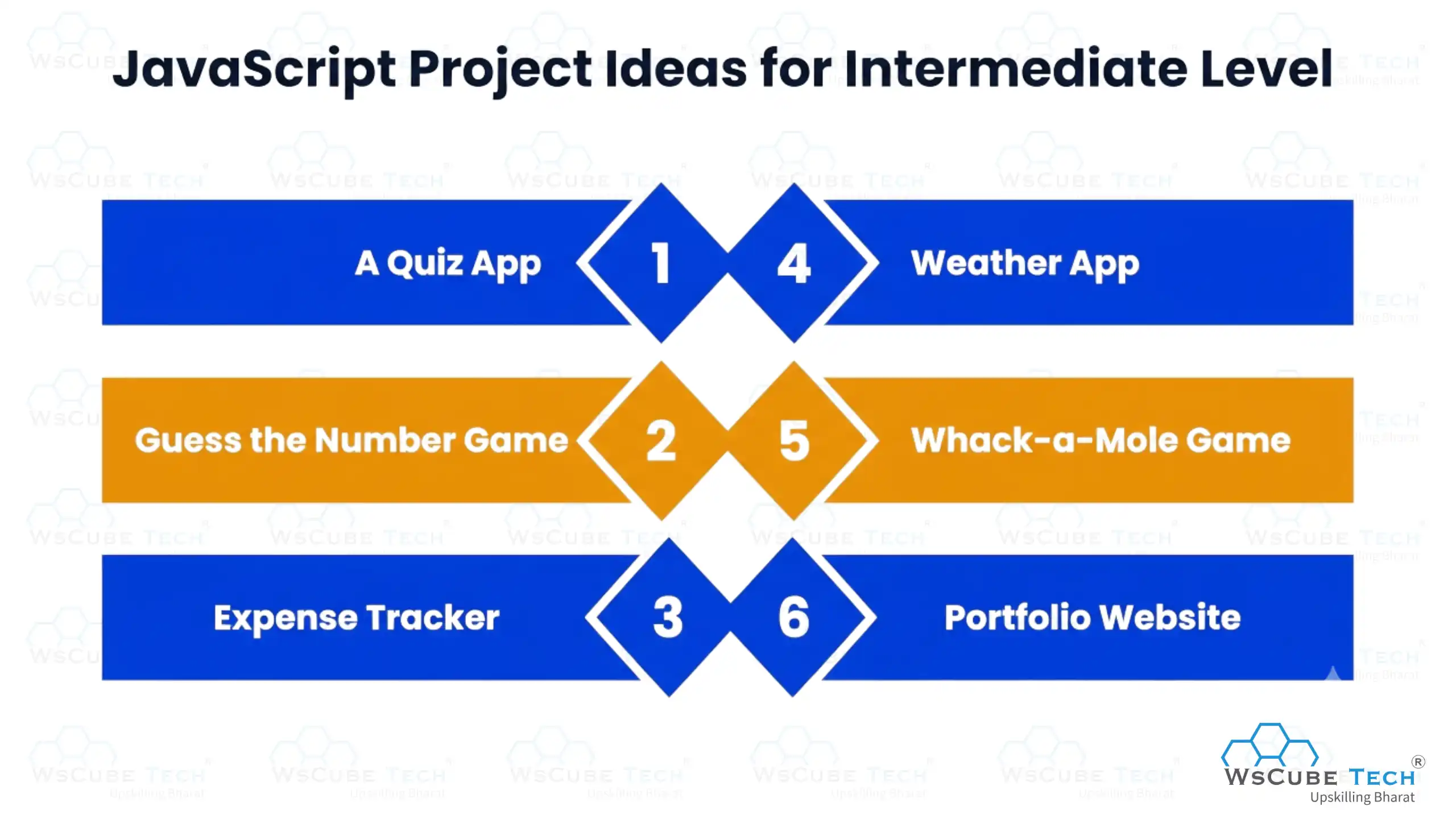
9. A Quiz App
If you need a project idea for educational and entertainment purposes, build a quiz app using JavaScript. It will help you upskill yourself without adhering to any real-life rules except the ones made exclusively for this project.
It will include questions and quizzes that users preparing for a specific exam must solve within a specific time. It is fun and simple. Candidates answer 8-10 questions based on the selected domain, and once they answer, the app evaluates their performance. It will also show wrong and correct answers after users submit the test.
This project will allow you to build practical knowledge and experience in JavaScript. You can add features for a stopwatch and display the final score to enhance learning. However, don’t make a clone project by copying the similar app.
Build a unique interactive app with questions based on interesting topics and add features so users can load questions and answers according to their convenience.
Source Code: Quiz App
10. Guess the Number Game
Guess the Number is an online game app where users guess a randomly generated number within a given range. Depending on how you build the app and the output generated, it can be pretty fun and engaging.
The app will give points as users guess random numbers from the selected range. To make it more interactive, add compelling designs, rules, hints, chances, and clues.
Source Code: Guess the Number
11. Expense Tracker
Expense tracker app is used to track income and expenses of users. It is a tool to help users manage their finances by tracking their income, savings, expenses, and budget goals. Try this app if you want to build a JavaScript mini project with source code to gain hands-on experience with financial tracking and data management.
The tracker will include features such as categorizing expenses, adding new transactions, setting budget goals, and generating reports. It also ensures data privacy through user account management and authentication.
As you build the expense tracker app, add features like user log-in, view a summary of financial transactions, and record all expenses. Ensure it has an intuitive UI and provides an overview of the user’s financial status.
By the time you complete the project, you will gain an understanding of user identification. You will also get familiar with the tools required to meet users' requirements. Make it more advanced by adding features like real-time data connection with financial APIs and budget forecasting. This will help you strengthen your knowledge of building apps with real-life utility and secured data.
Source Code: Expense Tracker
12. Weather App
Build a weather app using HTML, CSS, and JavaScript. It will display meteorological information, showing real-time weather based on location. It will also describe the current conditions and show temperature in Celsius.
Users can check the current weather using the app and see a forecast for any location in an easy-to-understand format. They simply need to enter the city name or location, and the app will retrieve the required information within seconds. They can also convert the value from Celsius to Fahrenheit by clicking a button.
You will use a weather API such as OpenWeatherMap (or Open-Meteo, which requires no API key) to fetch live data, allowing you to learn more about APIs and how to communicate with them. This knowledge will be valuable while working with JS. Moreover, you will enable the app for real-time data processing and create an interface that can effectively communicate weather information.
You might have to learn how to use JavaScript for API interaction, but once you wrap your head around it, all your efforts will be worth it. Enhance its utility by adding advanced features like user preferences, historical data, and visualizations.
Source Code: Weather App
13. Whack-a-Mole Game
Have you ever played whack-a-mole in real life? Most people have at least once. A typical whack-a-mole machine includes a cabinet and a screen with a soft mallet. There are multiple holes on top where small moles appear randomly, and you must hit them quickly to score points.
The faster your reaction, the higher your score. It is one of the most fun JavaScript mini project ideas for intermediate developers. You will build features like generating random holes, controlling how long a mole appears, combining functions, adding a start option, and tracking scores.
Source Code: Whack-a-Mole
14. Portfolio Website
A portfolio website showcases users’ professional details, including their work, skills, projects, results, and contact information. Candidates submit their portfolios during interviews and discussions with clients to get jobs and projects, respectively. Hence, the portfolio must be appealing and provide a comprehensive view of their capabilities.
A professional website shows a person’s achievements and accomplishments. It can be used as a resume to explore better opportunities and land lucrative jobs. Make sure the website is easy to navigate and looks subtle.
It should efficiently reflect the person’s identity and skills. Users can use advanced features and add interactive elements and blogs to make their portfolios more impressive. This project is your chance to learn about responsive designs, personal branding, and web design.
Source Code: Portfolio Website
JavaScript Project Ideas for Experienced
Once you are comfortable with JavaScript, it’s time to work on more complicated JavaScript project ideas.
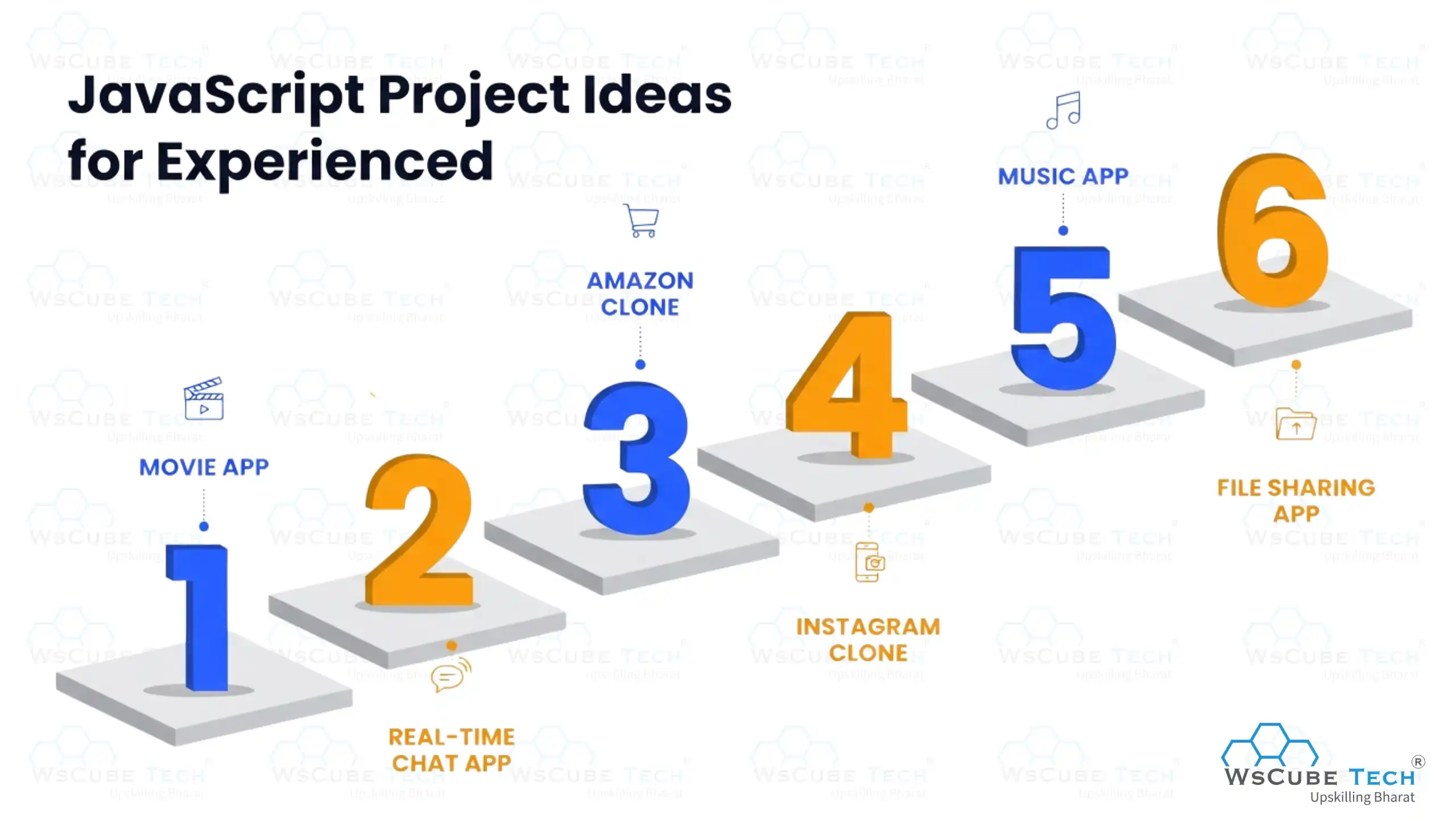
15. Movie App
A movie app is built using HTML, CSS, JavaScript, Bootstrap, and jQuery. It also uses API calls from the movie database, which makes the project easier.
It is a more advanced project for JavaScript professionals who want to explore new opportunities and work on cutting-edge technologies. The app will let users watch their favorite movies, read their descriptions, sort them by genre, add movies to the watchlist, and find titles using the search box.
Source Code: Movie App
16. Real-Time Chat App
Most of us use WhatsApp to send messages and stay connected. Now it’s your turn to build a similar chat application and take your skills to the next level.
Move beyond small JavaScript projects and create a real-time chat app with a more advanced structure. Use React for the frontend and Node.js along with Socket.IO for the backend to enable instant messaging.
This project allows users to send and receive messages in real time, helping you understand web sockets, event-driven programming, and full-stack development. It’s a great way to build practical experience and create a project that closely matches real-world applications.
Source Code: Real-time Chat App
17. Amazon Clone
E-commerce apps have witnessed a rapid increase in popularity, and e-commerce is now one of the most lucrative industries. Businesses are trying to attract customers and boost their sales by launching e-commerce apps.
Create an e-commerce website or app, replicating useful and core features of Amazon e-commerce platform. Apart from HTML, CSS, and JavaScript, you will also test your knowledge of Firebase, React, Stripe, and APIs. Create a single-page application that lets users browse multiple products, add items to the cart, and complete the checkout process by making payment through preferred mode.
It should be a feature-rich and responsive application with a simple checkout process, appealing design, and responsive interface. You can add more cool features, like product recommendations, user reviews, image sliders, etc.
It will help you learn how to integrate user authentication, work with real-world data, and enhance the performance of the app. It will require you to integrate frontend elements with backend functionality, giving you a comprehensive development experience.
Source Code: Amazon Clone
18. Instagram Clone
Instagram is one of the leading social media platforms today, with billions of users browsing it. People use it to share photos, explore new things, connect with friends, and launch businesses.
The platform offers engaging features like recording likes, sharing images across the server, comments, and analytics. As you complete this JavaScript project with source code, you will acquire skills in the tools and technologies required for frontend and backend development, including React, Node.js, Express, JWT for authentication, Redis for caching, and PostgreSQL for data storage.
Source Code: Instagram Clone
19. Music App
Are you an advanced coder looking for something cool and fun idea for your next project? Then, try your hands at building a music app that allows users to search, play, repeat, and shuffle songs on their mobile devices.
For this project, you will move beyond frontend development and delve deeper into advanced JS. You will also use API to let users play music from their server. They can create a customized playlist and stream songs at their convenience.
As you will incorporate features like a timer, slider, shuffle, loop, etc., for better user experience, this project will enhance your learning.
Source Code: Music App
20. File Sharing App
Whenever you want to share a file from one device to another, you need an app that makes file sharing hassle-free and quick. So, pick a file-sharing app for JS advanced projects, and create an app to share small and large files within seconds.
You will learn how to use the Virgil Crypto Library in JavaScript to build a secure app. Throughout the development process, data security must be your major concern so users can exchange files without any worries. The app should encrypt files, and users must be able to decrypt and read them. After completing the setup, allow users to download and open files in the browser.
Source Code: File Sharing App
Why Are JavaScript Projects Important?
Working on JavaScript projects is essential for both beginners and experienced developers. It helps you apply your knowledge, improve skills, and build confidence through real-world practice. Here are some key reasons:
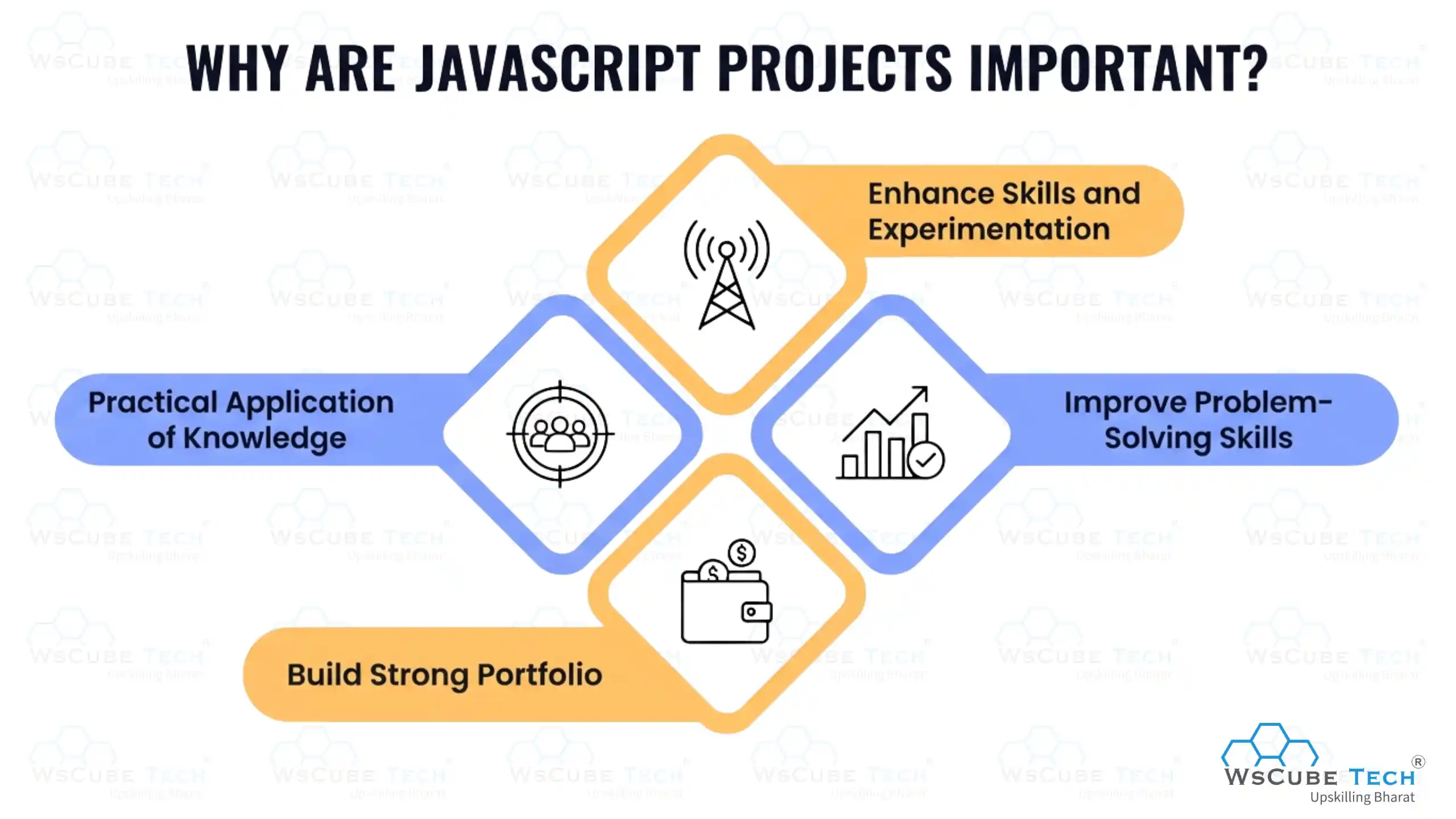
- Enhance Skills and Experimentation: JavaScript projects help developers push their limits, experiment with JS frameworks and libraries, explore new techniques, and continuously improve their understanding of modern development tools and practices.
- Practical Application of Knowledge: Building projects helps you apply theoretical concepts in real-world scenarios. You learn how to create websites and web apps while strengthening your understanding of JavaScript fundamentals and advanced concepts.
- Improve Problem-Solving Skills: While working on projects, you face challenges that require logical thinking. This process improves your problem-solving ability, debugging skills, and overall coding efficiency through consistent hands-on practice.
- Build Strong Portfolio: JavaScript projects help you create an impressive portfolio and resume. They showcase your practical skills, making it easier to attract recruiters, clients, and better career opportunities in web development.
FAQs About JavaScript Projects
JavaScript is a popular programming language used to create interactive and dynamic web pages. It runs in the browser and helps you build features like animations, forms, and real-time updates on websites.
Beginner-friendly JavaScript projects include to-do lists, calculators, quiz apps, and simple games. These projects help you practice basic concepts like variables, functions, events, and DOM manipulation in a practical way.
Intermediate learners can build projects like weather apps, clones, chat interfaces, or API-based dashboards. These projects involve API integration, asynchronous programming, and better UI handling for real-world experience.
Choose a JavaScript project based on your skill level and interest. Start simple, then gradually pick complex ideas that solve real-world problems and help you apply both logic building and practical development skills.
Yes, JavaScript projects are important because they showcase your practical skills to recruiters. They demonstrate your ability to build real applications, solve problems, and work with modern web technologies effectively.
Yes, beginners can start building simple JavaScript projects with basic guidance. Learning fundamentals first makes it easier, but starting small projects helps you understand concepts faster through hands-on experience.
You should include around 3 to 5 quality JavaScript projects in your portfolio. Focus on projects that show different skills like DOM manipulation, API usage, and problem-solving rather than adding too many simple projects.
Advanced JavaScript projects include real-time chat apps, full-featured e-commerce sites, video streaming apps, and project management tools. These involve complex logic, APIs, authentication, and performance optimization techniques.
Yes, basic knowledge of HTML and CSS is important before starting JavaScript projects. They help you structure and style your application, while JavaScript adds interactivity and dynamic behavior to your web pages.
You can find JavaScript projects with source code on platforms like GitHub, CodePen, and educational websites. These resources provide real examples that help you learn structure, logic, and best coding practices.
The time required depends on the project complexity. Simple projects may take a few hours or days, while advanced projects can take weeks. Consistent practice and planning help you complete projects efficiently.
By building JavaScript projects, you learn problem-solving, logical thinking, DOM manipulation, API integration, debugging, and performance optimization. These skills are essential for becoming a confident and job-ready web developer.
Yes, APIs are commonly used in JavaScript projects to fetch and send data. They help you add features like weather updates, payment systems, maps, and authentication to make your projects more dynamic.
You can deploy JavaScript projects using platforms like GitHub Pages, Netlify, or Vercel. These services allow you to host your projects online, making them accessible to others and useful for showcasing your work.
JavaScript projects are a strong way to showcase your skills, especially when they include real-world features. However, combining them with good UI, deployment, and documentation makes your portfolio even more impressive.
Conclusion
The first impression is the last impression. Clients and recruiters take this quite seriously. So, if you want to land a lucrative job or project, the best way is to build JavaScript projects that hone your skills and knowledge.
Simply learning JS is not enough. You need hands-on experience before you kickstart your professional journey. Working on multiple projects is a chance to acquire the necessary skillset and build a strong portfolio. It will work wonders during interviews and bring you much closer to your dream career.


Leave a comment
Your email address will not be published. Required fields are marked *Comments (0)
No comments yet.